
Team members and permissions
Invite your team members
Invite colleagues to join your Scriboflow organisation and manage pending invitations.
Last updated August 25, 2026
Organisation owners and administrators can invite colleagues to join their Scriboflow organisation.
Send an invitation
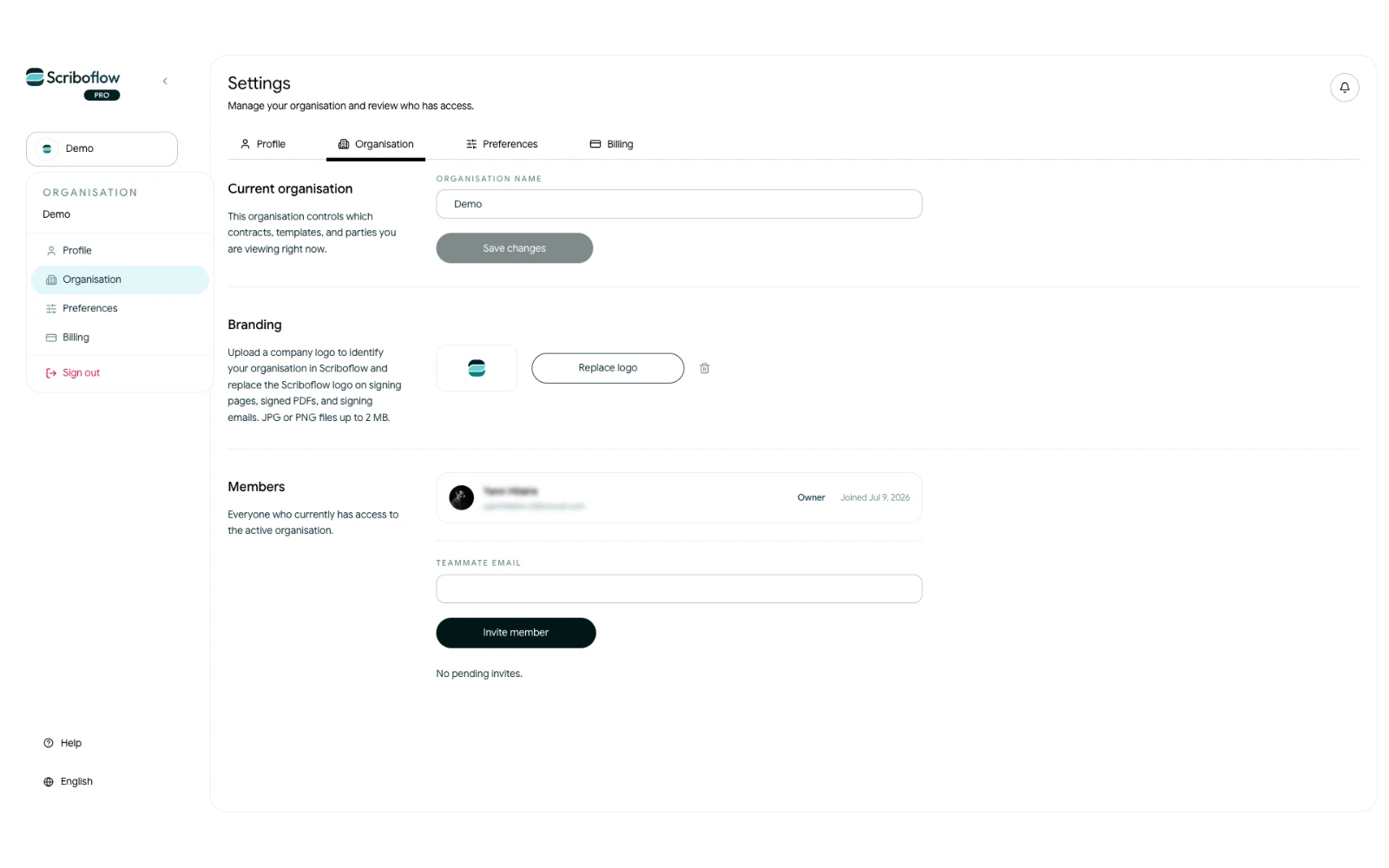
- Open Settings from your account menu.
- Select Organisation.
- Go to Members.
- Enter your colleague’s email address.
- Select Invite member.
Scriboflow sends an invitation email and adds it to Pending invites until it is accepted.
Accept an invitation
The recipient opens the link in the invitation email and signs in or creates an account using the invited email address. They then select Accept invitation.
After accepting, they appear under Members and join the organisation with the Member role.
Manage pending invitations
Pending invitations show their expiry date. You can select Resend to send a new link or Revoke to make the invitation link stop working.
If an invitation has expired, invite the colleague again using the same email address.