
Creating and managing contracts
Create a contract from scratch
Start a blank contract and move through each step of the Scriboflow contract flow.
Last updated August 25, 2026
Start with a blank contract when you want to write the agreement directly in Scriboflow.
Start a new draft
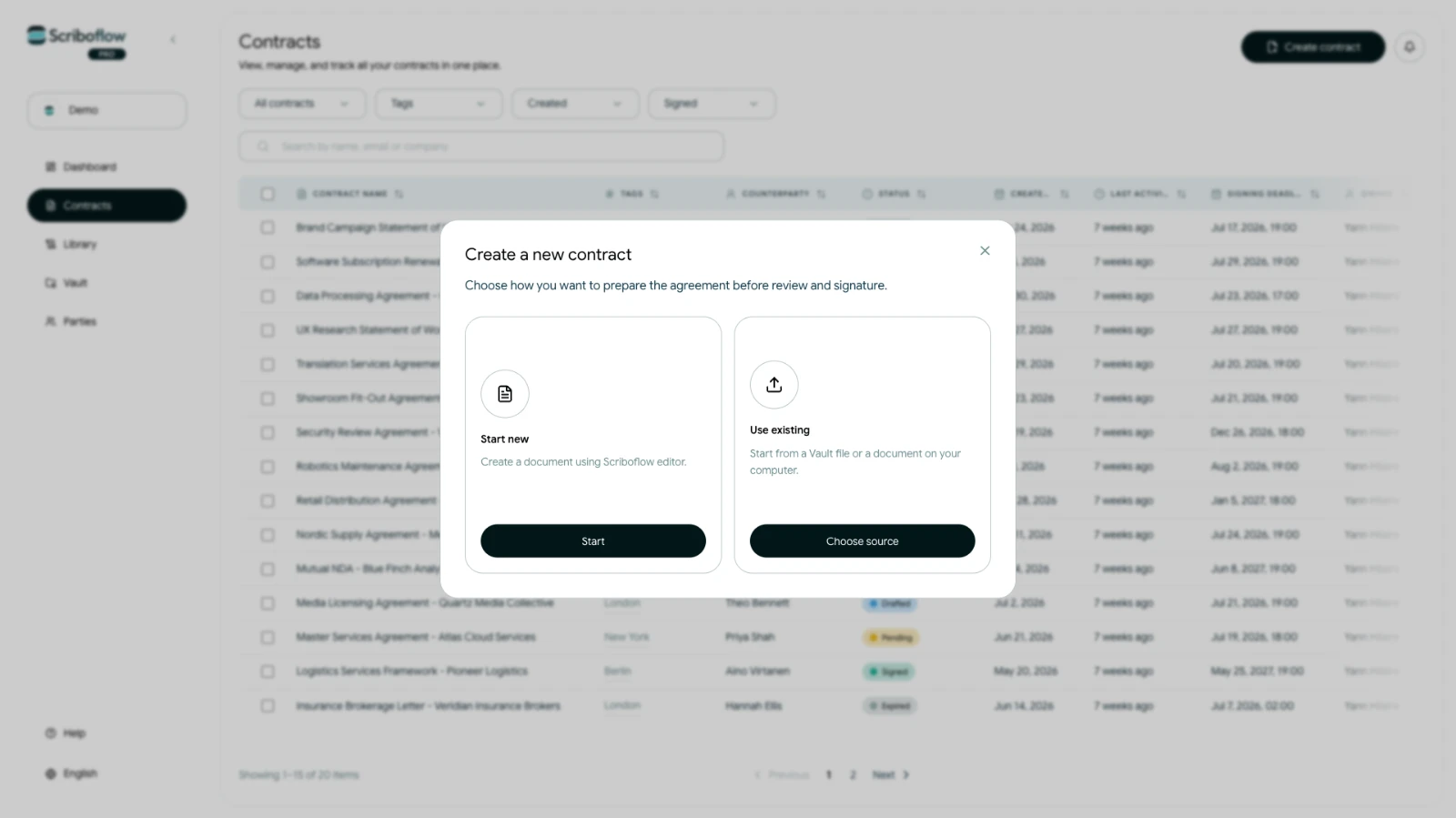
- Open the dashboard or Contracts.
- Select Create contract.
- Choose Start new, then select Start.
Scriboflow creates an untitled draft and opens the contract flow. You can rename the contract from the heading at the top of the page.
Complete the contract flow
Work through the steps in order:
- Parties: Add the companies or individuals involved and select their signees.
- Terms: Write and format the agreement. You can also insert saved clauses, data fields and party references.
- Attachments: Add any supporting files that should accompany the contract.
- Signature: Choose the signature method, signing order and reminder frequency.
- Review: Check the contract, recipients and sending details before sending.
Your contract remains a draft until it is sent. Scriboflow saves changes while you work, but check the saved status before leaving the page.