
Subscription, billing and usage limits
View your subscription and usage
Find your current plan, renewal details and organisation usage in Scriboflow.
Last updated August 25, 2026
The Billing page shows the subscription and usage for your selected organisation.
- Open Settings.
- Select Billing.
Current billing
The Current billing section shows:
- Your current plan and access level
- Your trial status and end date, when applicable
- Your monthly or annual billing cycle
- Your subscription status
- The end of the current billing period
Usage
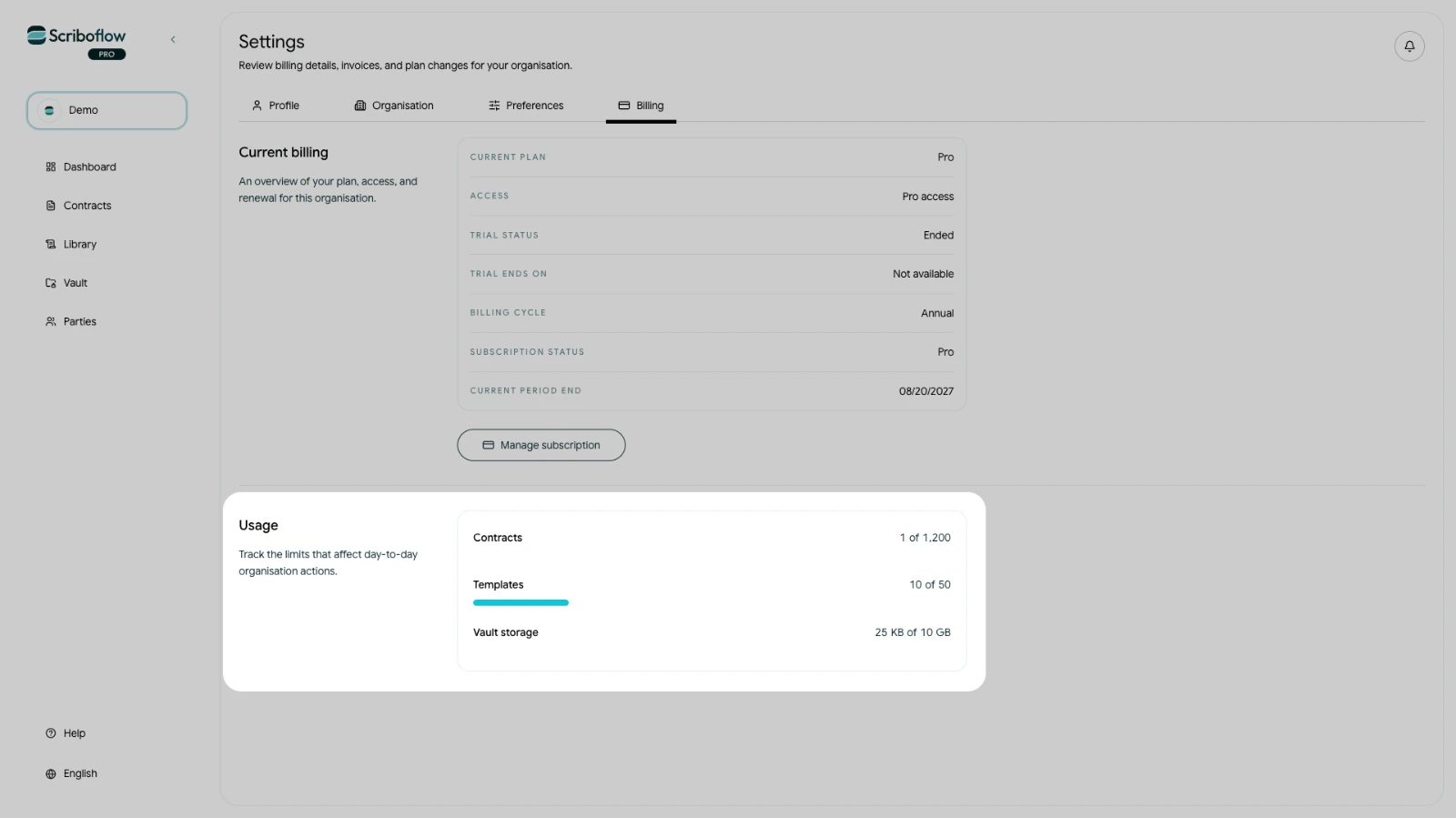
The Usage section shows how much of the organisation's allowance is currently in use for:
- Contracts
- Users
- Templates
- Vault storage
Make sure the correct organisation is selected before reviewing these figures. Subscription changes only apply to the selected organisation, and only its owner can manage billing.